Requests arrive complete
Dates, times, pets, sizes and a total worked out by the same service that will charge it — not a text message wondering whether the last week of August is free.
Booking software for kennels and catteries
Your customers pick their dates and their pets on your own booking page. The request arrives with a total, a vaccination date and how many runs it needs — so you can approve it from the sofa instead of walking back to the diary. The rest of the day, week and year is on the same board.
£8 a user a month, excluding VAT. No commission on a booking, and no card details to start. See what is included
Create your business account and your booking page in one sitting. No installation, no training day.
Booked at 10pm, without you
Approved by you, before it counts
Written down, not remembered
The daily grind
Was the 14th free? Is Otis in run 3 or run 5? Does the family with two dogs fit at all?
Who has paid, who has promised to pay, and who is going to pay on collection with a card you cannot take.
Which vaccination runs out before the stay ends, and which owner swears it is up to date.
The same four questions, forty times a week, usually with a dog barking in the background.
How it works
How many runs you have, what a night costs, and whether you ask for vaccinations. That is the setup done — a second branch is a second set of runs, not a second product.
Customers pick dates and pets on your own page. They see the total before they ask. You get a request, not a voicemail.
Approve or decline, see arrivals and departures, work the care round, and ask for the balance — from the same screen, on the phone in your pocket.
What it does
No dashboards you have to interpret. Each screen is one of the jobs you already do — it is just already done when you get there.
Dates, times, pets, sizes and a total worked out by the same service that will charge it — not a text message wondering whether the last week of August is free.
Nothing is confirmed until you say so. Approve or decline, and the booking’s status follows the decision.
If the runs are taken, the booking cannot be taken twice. Two dogs that need two runs are counted as two, and the count is per branch.
Arrivals, departures, feeds, medication rounds, temperature readings and runs to turn around — today’s work in one place, with a notification on the phone before each one is due.
Record when the vaccination expires. With the policy on, a stay that runs past that date is refused before it reaches your board.
Your nightly rates and your seasons, per branch. Your booking page, your customers and your records — nothing shared with the kennel down the road.
In the yard, not at the desk
Kennel work does not happen at a desk. It happens at the gate while a family unloads the car, in the run with a hose in one hand, and in the office at ten at night when you finally remember the phone call. So every screen was built for a phone first — one job at a time, buttons a thumb can hit, and nothing that needs a mouse, a manual or a training day.
Both clips are recordings of this app on a 430px-wide screen, not mockups. Sound off — there is nothing to hear.
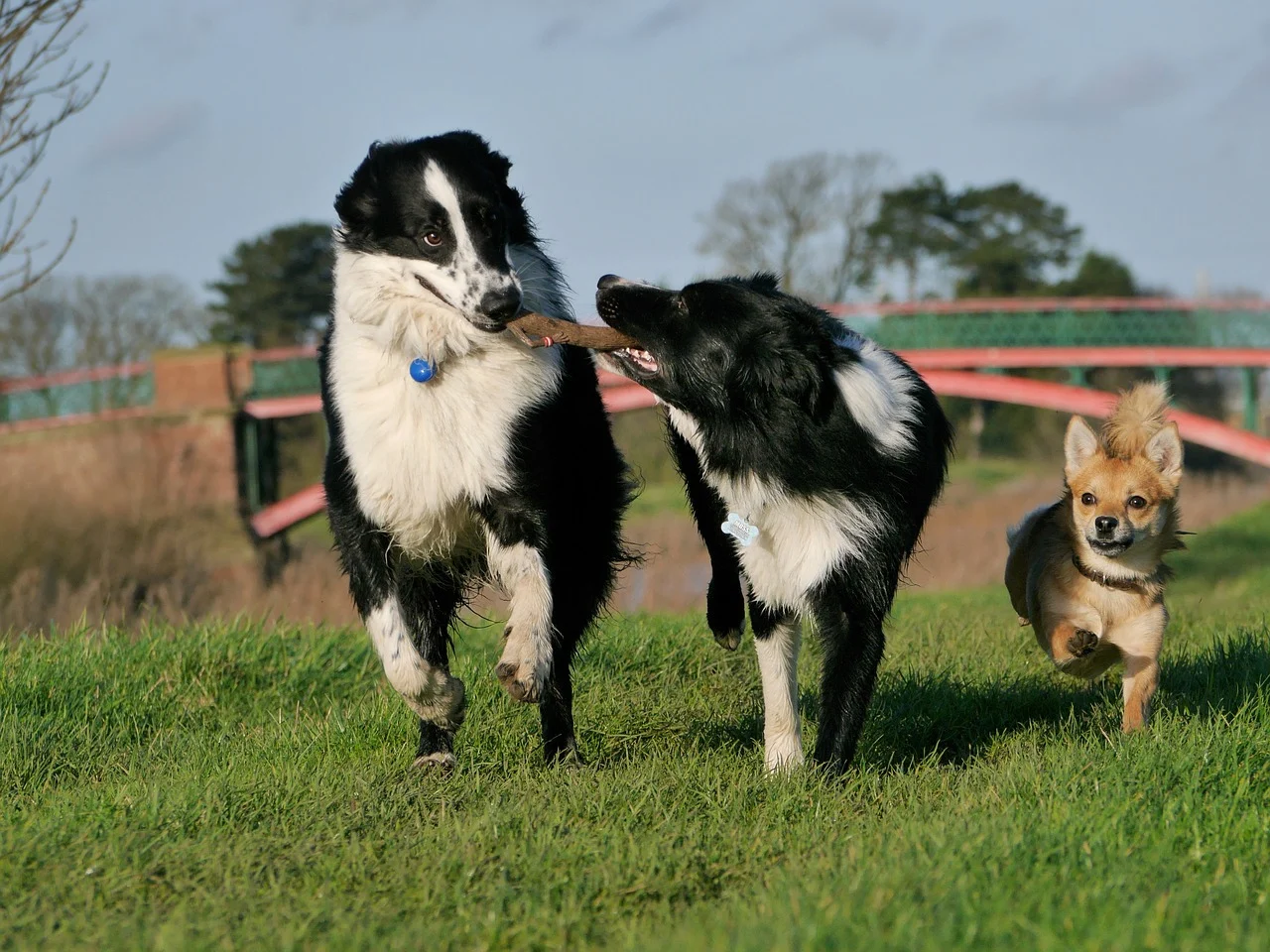
Built for the people who clean out the runs, not just the ones who buy the software.
When someone asks
Which dogs were here in the week of the 14th? What did Otis eat, and did he get his tablets on the Tuesday? Was the vaccination in date when the stay ended? Who collected him, and at what time? Every stay keeps its own record — written as the work happens, on the phone in your hand, rather than typed up from memory a week later.
Getting paid
Connect your bank once, and take a card payment whenever you want one. Ask for a deposit when you confirm the stay, or the balance the week before they arrive — the customer gets a card page by email, and the booking shows what has landed and what has not.
Your team
Everyone who works here gets their own sign-in, priced the same as yours. You decide whether they can approve bookings, administer medication, sign a temperature reading off, see the reports, or manage the team — one switch each. Revoke someone and their access and their phone notifications go with it.
A permission is a bit, not a guess. The person who does the morning round can record a feed without being able to change what a night costs.
Every feed, dose and reading records the person who entered it, so “did anyone give him his tablets?” has an answer that is not a group chat.
The staff app reads in English or French, chosen per person — not a translated menu over an English form.
A customer can ask what you hold about them. You can produce it, and erase it, from one screen, with the statutory clock in view.
The price
A user is anyone who can sign in: you, and each person you give access to. Your customers are not users — they book, they pay, and they cost you nothing.
A worked example
3 users · £24 a month
You and two members of staff. Standard, billed monthly, excluding VAT — and it is the same £24 whether those three take two bookings that month or forty.
Straight answers
£8 a user a month, excluding VAT, with no commission on a booking. A user is anyone who can sign in; your customers are free. The full price list is on the pricing page.
No. It runs in a browser, on the computer in the office and on the phone in your pocket. Your customers use it the same way.
Yes. Cats and dogs are priced by size in the same way, and a cattery uses runs exactly as a kennel does.
Ask for a card payment from the booking and the customer gets a page by email — or take payment the way you always have. Either way the request arrived with the total already agreed, so nobody is working it out at the door.
Decline it. The request keeps its place in the record, and the run is not held.
Yes. Each business is its own tenant with its own customers and bookings, and signing in to one kennel gives you no access to another.
Not yet. Setup starts with your runs and your booking page; importing a paper diary is still to come, and we will say so rather than pretend otherwise.
Add your runs, set your rates, share the link. The first request will tell you whether this was worth the hour.
Or ask first
Not sure whether this fits your kennel? Tell us how you work and we will answer, including if the answer is no.